
Push the Rock Movement, jump, and HUD buttons
WASD or a thumbstick to push, space to jump, on-screen toggles for auto-push and codes — nothing this wiki cannot confirm.
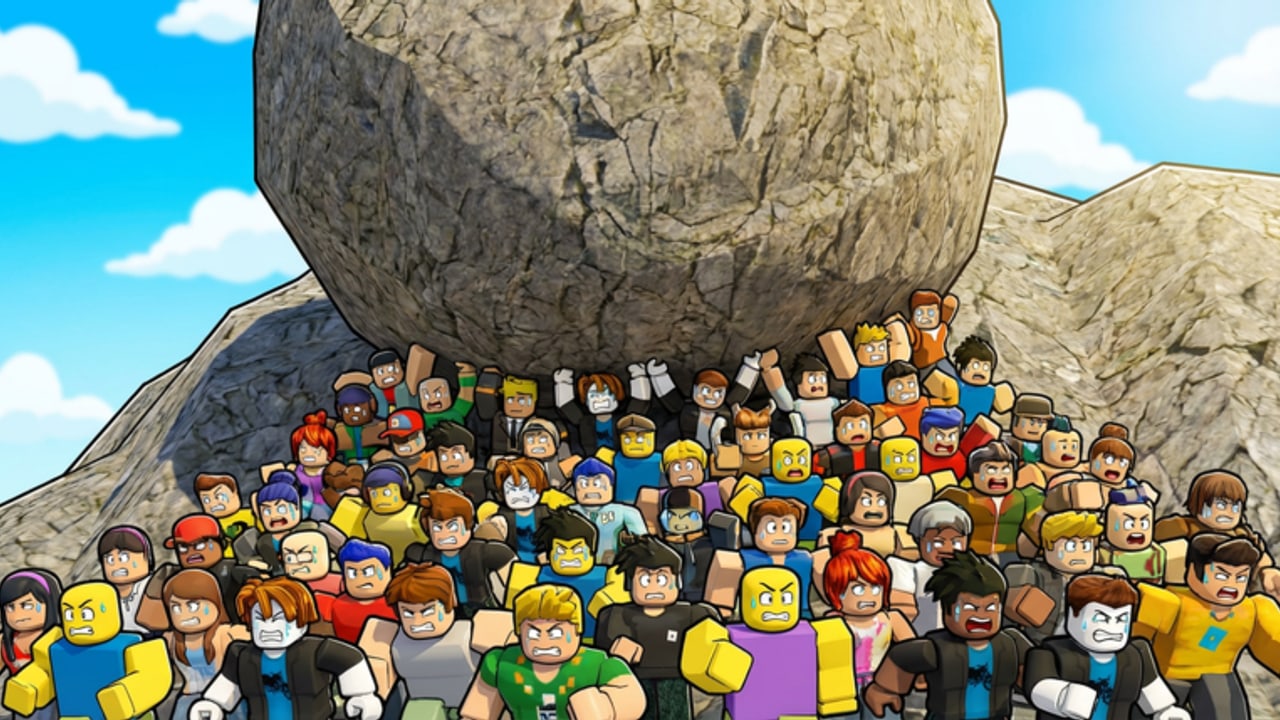
Push the Rock uses ordinary Roblox movement plus a small HUD. If a video overlay prints extra keys — sprint macros, a unique “push” bind, a dedicated codes hotkey — treat that overlay as the creator’s overlay, not as Studio Stinky documentation. This page lists what we can confirm: move, jump, camera from the Roblox client, and on-screen buttons for auto-push and codes.
You still need the loop. Controls without how to play just teach you how to walk into a rollback. Read this page so you stop hunting for a missing key, then go back to the hill.
The experience is R15, free, 18 players per server, last known update 13 April 2026. Nothing in that patch log, from this wiki’s side, adds a second control scheme. If a later update ships one, updates should record it.
Movement and jump
- Move: WASD on keyboard, left thumbstick on mobile and controllers. That is how you walk into the boulder and how you leave the lane.
- Jump: Space on keyboard, the on-screen jump button on touch, the face-button jump your Roblox client already uses on a gamepad. Jump is for lips, recoveries, and getting off a stuck animation. It is not a body-block against the rock.
- Camera: Standard Roblox camera. Right mouse drag on desktop, the usual touch drag on mobile. This wiki does not document a custom camera key because it has not confirmed one.
- Shift lock / first person: If your Roblox settings already enable shift lock, it behaves like any other experience. Do not assume Push the Rock added a unique lock bind.
Pushing is not a separate attack button. You move into the boulder. The hold is contact plus the game’s push logic. When your avatar tires, that logic ends. No extra key extends the hold.
If you are on a laptop trackpad, bind movement to WASD and keep the camera on a slow drag. Fighting both at once is how people walk backward into their own rock.
HUD buttons: auto-push and codes
Two important actions are on-screen HUD buttons, not keyboard shortcuts this wiki can verify.
Auto-push. An in-game toggle that keeps the boulder climbing while you are allowed to push. Turn it on when it appears. Turn it off only if you need to peel away cleanly and the toggle is fighting you. Auto-push does not cancel the tire-out. It does not stop a rollback. It does not replace the slide. Learn what the button looks like on your device: desktop HUD, mobile HUD, and console HUD can sit in different corners. Hunt the button with your eyes, not with a guessed F key.
Codes. A field exists on the HUD. As of September 2026 this wiki has not independently verified a public working list. Open the field so you know where it is, then leave it alone until codes or find new codes actually lists something. How to redeem is the step-by-step for the UI. Do not type codes from Push and Slide, Push A Rock, or Push Rock for Brainrots into this field.
Partner board, boost unlocks, and world travel are also UI, not extra keybinds. Tap the board, buy what you can afford, close it. How to get partners explains the economy. This page will not invent a “P to open partners” shortcut.
Device notes
Desktop. Keyboard movement is the cleanest way to peel off a lane because you can strafe. Keep jump on space. Keep one hand ready to stop walking into the rock when auto-push dies.
Mobile. Thumbstick plus on-screen jump plus HUD taps. Auto-push and codes compete with your thumb. Pause at the top of a hold to hit auto-push; do not mash the toggle during a rollback. Landscape helps you see the slope. Portrait makes it easier to eat the boulder you cannot see.
Console. Thumbstick move, controller jump, HUD via the Roblox gamepad cursor. If the HUD highlight is sluggish, stop the avatar before you toggle auto-push. Walking while you hunt a button is a crush.
Touch and mouse mix. Some players dock a mobile session with a mouse. Still treat auto-push and codes as HUD, not as keyboard.
Servers can hold 18 avatars. Your inputs do not get a private physics sandbox. If someone else’s rock is coming down your line, jump and strafe beat a perfectly timed WASD push into the sphere.
What this wiki will not list
We will not list a unique sprint key, a dedicated push key, a “drop rock” key, a magnet key, or a codes hotkey. We have not confirmed them. If a creator overlay shows them, they may be macros, coincidences, or a different game. Push the Rock is Studio Stinky’s place 139574563597312. Clones reuse the joke and sometimes reuse HUD labels. Confirm the place ID on getting started before you memorize someone else’s overlay.
We will not list emote keys as part of the loop. Emotes do not climb the hill.
Third-party auto-farm scripts are not controls. The shipped control is the HUD auto-push toggle. If you still open the scripts hub, read how to execute as a warning page, not as a missing bind.
Using the confirmed set on the hill
- Move into the boulder. Do not search for a push key.
- Toggle auto-push on the HUD when you see it.
- Strafe off the lane when the hold fails. Jump only if a lip or a body is in the way.
- Slide or run down. That is still WASD or the stick, not a separate “sled” button.
- Open the partner board from the UI when you have coins. Buy, close, push again.
- Ignore the codes field until this wiki verifies a code.
If the boulder still flattens you with perfect WASD, the problem is timing, not a missing key. Go back to how to play and how to farm coins. If you can move and still cannot tell which world you are on, that is a badge problem — use the world tracker, not a new bind.
Launch context for the control scheme is the 17 February 2026 release. The 13 April 2026 update is the last known experience patch. Recheck this page against launch notes and April 2026 after a future HUD change. Until then, move, jump, tap the HUD, and stop looking for a hidden keyboard.
Frequently Asked Questions
Quick answers for hill climbs, partners, and world badges.
What are the movement keys in Push the Rock?
WASD on keyboard, thumbstick on mobile and controllers. Space (or the client jump button) jumps. There is no confirmed extra push key.
How do I turn on auto-push?
Use the on-screen HUD button. This wiki has not confirmed a keyboard shortcut for it. Hunt the toggle visually on your device.
Where do I enter codes?
A codes field sits on the HUD. Steps are on how to redeem. There is no verified public list as of September 2026.
Is there a different control scheme on mobile?
Same actions, different surfaces: thumbstick, on-screen jump, HUD taps for auto-push and codes. Pause the avatar before you hunt a button.
Why does this page refuse to list more keys?
Because they are not confirmed. Invented binds send players into the rollback while they press nothing that exists. If Studio Stinky adds a bind, updates should note it.
Does jump help me push farther?
Jump is for clearing lips and recovering. It does not replace contact with the boulder and it will not stop a rollback if you stay in the lane.