
Push the Rock Session checklist for the hill
Tick these once per account, then once per map, without wandering into the wrong boulder game.
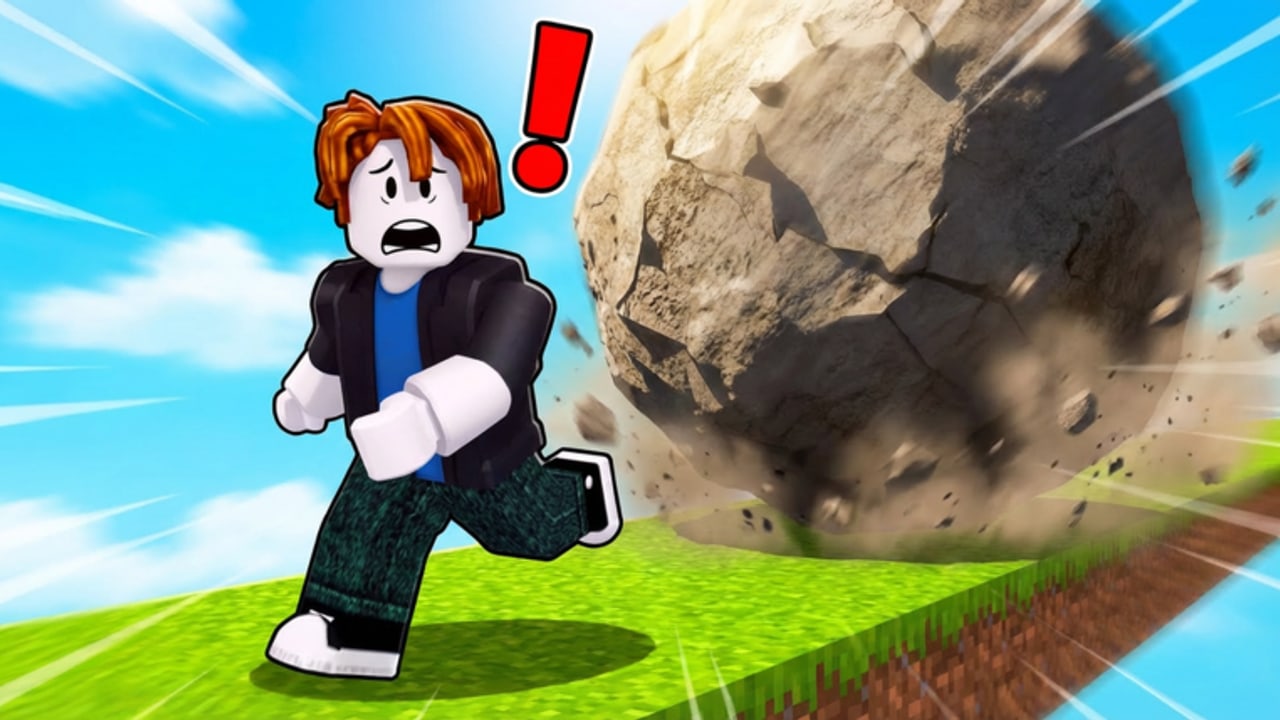
Use this checklist while you play Push the Rock, not after you close Roblox. It is the practical twin of the world tracker, and both sit on the tools hub. The tracker tells you how rare the next badge is. This page tells you what to do on the hill so that badge has a chance to appear.
Studio Stinky’s loop is small enough to finish a first pass in one sitting: spawn, push, auto-push, dodge the crush, slide for coins, buy a partner, buy a speed boost, glance at codes, crest the map. Players skip steps because the HUD is busy and because search results keep mixing in Push A Rock, Push and Slide, and Push Rock for Brainrots. Work top to bottom.
0. Confirm the experience
- URL is Push the Rock — place 139574563597312, universe 9745798212.
- Creator is Studio Stinky (group 36053012).
- About tab shows server size 18, simulation / incremental, free, no known gamepasses.
- You are not in a prison gym, a potion-only clone, or a brainrot lobby.
If any box fails, leave. Codes, scripts, and shops from the other titles will not apply.
1. First spawn (Welcome)
- World 1 loaded. Welcome badge should already be yours (100% win rate).
- Camera can see the winding hill and your boulder.
- You know where the auto-push control is (controls if not).
- You know where the codes field is. Do not paste anything yet — the codes hub has no verified list as of September 2026.
- You located the partner board. Portraits unlock individually, including pop-culture rows such as a Squid Game mask figure.
Read getting started if the HUD still looks like noise.
2. First push that you survive
- Started a manual shove uphill.
- Enabled auto-push when the avatar tired — not before you understood the lane.
- When they let go, you stepped off the rollback path.
- You were not crushed. If you were, that is the tutorial; respawn and stand wider.
- Slid or ran down and saw coins increment. If coins did not move, you walked instead of sliding, or you are on the wrong game.
This block is the farm. A third-party auto-farm is not required and is not listed for this place. Details: how to farm coins and auto-farm.
3. First spends
- Bought the next affordable mythical partner on the board rather than staring at a late meme row. Guide: how to get partners. Ranking: partner tier list and best partners.
- Bought a speed boost when the coin stack allowed it, so the next auto-push travels farther.
- Did not hunt a gamepass. None are known on this universe.
- Did not paste a clone-game code (Welcome, WORLD3, CHILL, and friends).
Builds, once you have two or three portraits, live on players/builds.
4. Codes glance (optional, 30 seconds)
- Opened the HUD field off the lane so a rollback cannot flatten you while the keyboard is open.
- Checked the codes hub and how to find new codes.
- If a first-party string exists, redeemed it using how to redeem and confirmed coins or a boost moved.
- Closed the field. Codes are not Lua; never paste a loadstring here (how to execute).
5. World gates
- Reached the top of the current hill.
- Unlocked the next map.
- World 2 badge (~36%) — first real proof you crested a map.
- World 3 badge (~6%) — treat as a project, not a warm-up.
- World 4 badge (~0.4%) — extreme.
- World 5 / World 6 (near 0%) — do not schedule these as a nightly chore.
Walkthrough: worlds walkthrough. Rarity table: world tracker. Patch context: launch (17 Feb 2026) and April 2026 (last known experience update 13 Apr 2026).
6. Server hygiene
- You are in an online 18-player server, pushing your rock.
- You ignored chat loadstrings and “free farm” files aimed at other places.
- You favorited the experience so Roblox can surface a future patch.
- You joined the Studio Stinky group if you want wall shouts — still unofficial wiki, first-party group.
How to run the list without turning it into homework
Do section 0 once per device. Do sections 1–3 on every new account. Do section 4 when you see a group shout, not every spawn. Do section 5 when you actually crest. If a session is only eleven minutes — the public average — stopping after a partner buy is still a win.
Print-screen the partner board when you buy a portrait so you do not repurchase. The board is not a gacha egg; it is a list of individual unlocks. If a YouTuber “unlocks Darth Vader in one spin,” they are in a different economy.
When the checklist is all ticks through World 2, you are ahead of most of the player base. Stop looking for a script to finish the rest. Look at the next partner and the next slide.
Frequently Asked Questions
Quick answers for hill climbs, partners, and world badges.
Do I need to finish every box in one session?
No. Average playtime is short. Clear spawn, survive one rollback, and buy a partner. Worlds 4–6 can wait.
Where is the auto-push button?
On the in-game HUD after you start a shove. The controls page covers movement plus auto-push.
Should I tick codes if the hub is empty?
Tick that you *looked*. Do not tick a successful redeem until coins or a boost actually change.
Does buying every partner grant World 6?
No. Partners help the push; badges still require crested maps. See the world tracker.
Can I use this list in Push and Slide?
No. Different place, different shop, different codes. Confirm place 139574563597312 first.
Is there a downloadable tracker app?
Not from this wiki. If a site wants your Roblox cookie to “sync badges,” it is not a tool we endorse.