
Climb tools for Push the Rock
Badge rates and a session checklist — not a third-party executor, not a fake codes generator.
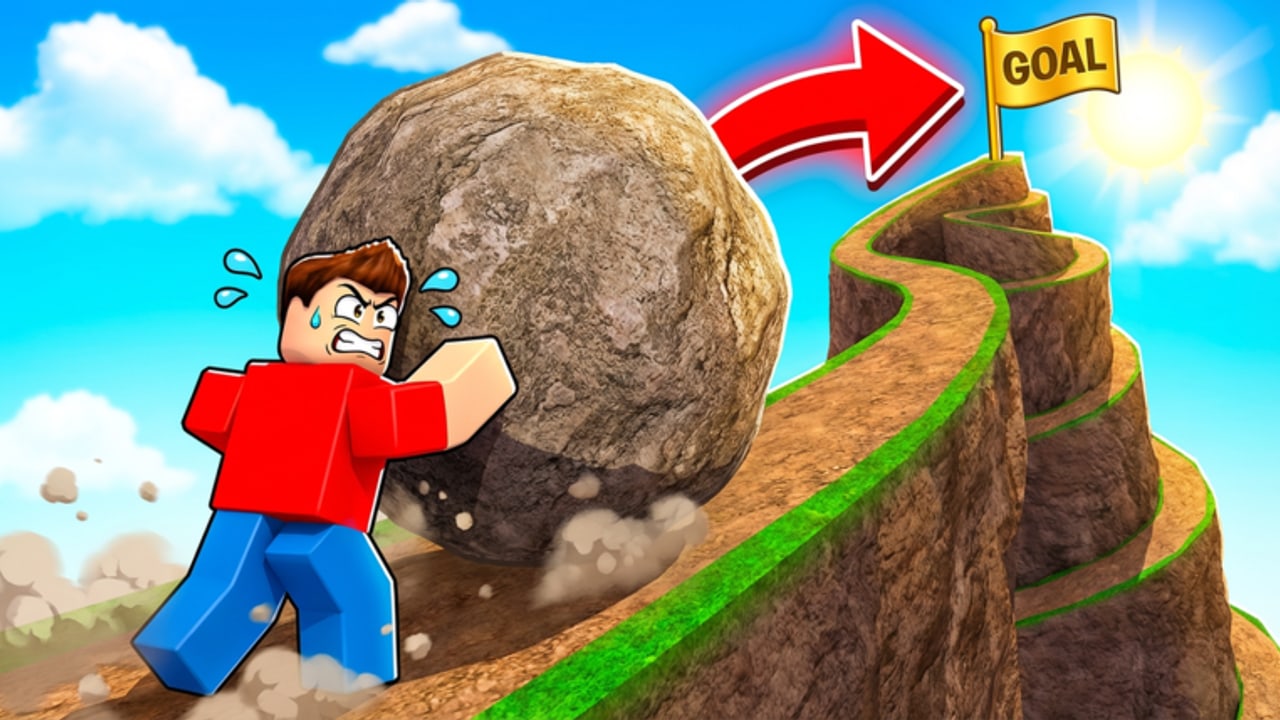
This hub is a pair of paper tools for Studio Stinky’s hill, not a download. Push the Rock is a short online incremental: you push a boulder, tap auto-push, survive the rollback, and slide for coins. Six world badges measure how far that loop has taken you. Most accounts stop early. The world tracker makes those rates visible. The progress checklist is the session script so you do not forget the partner board, a speed boost, or the codes field.
Nothing here injects Lua. If you wanted that, the scripts hub already told you there is no dedicated listing for place 139574563597312. Nothing here invents promo strings either; the codes hub stays empty until a claim works in the HUD.
Why a tracker belongs on this wiki
Public badge win rates (approximate, from the experience’s own badges) look like a cliff:
- Welcome — 100%. Everyone who loads in gets it.
- World 2 — about 36%. First real gate.
- World 3 — about 6%. Already a rare climb.
- World 4 — about 0.4%. Tiny.
- World 5 and World 6 — near 0%.
If your friends talk as if World 6 is a weekend project, the tracker is the correction. Average sessions sit around eleven minutes. Servers hold 18 players online; they are not a raid group shoving one shared rock. You still need coins, individual mythical partners, and speed boosts to push the next crest. Pair the tracker with the worlds walkthrough and the worlds tier list.
Why a checklist belongs next to it
A first hour on World 1 is busy: HUD literacy, auto-push, the crush lane, the downhill coin slide, the partner board (pop-culture portraits included), speed boosts, and a codes field that currently has nothing verified to paste. The checklist is ordered so you do those once instead of three times. New accounts should still read getting started for the prose version.
The checklist also has a wrong-game row. Search will keep offering Push A Rock, Push and Slide, and Push Rock for Brainrots. Confirm Studio Stinky and place 139574563597312 before you spend an evening on someone else’s shop.
What these tools are not
- Not a live API. Roblox does not give this fan wiki your badge inventory. You tick boxes yourself, or you open the experience’s badge list on the official page.
- Not a coin calculator with invented prices. Partner costs change with your board; we will not fake a spreadsheet.
- Not a Trello substitute. Studio Stinky has not linked a public board from group 36053012.
- Not an AFK timer. Auto-push still drops, and the rock still kills you. See auto-farm for why macros miss that.
How to use both in one sitting
- Open the progress checklist and work top to bottom on World 1.
- When you crest a map, mark the matching row on the world tracker.
- Spend coins using how to farm coins and how to get partners.
- If a first-party code appears, redeem it with how to redeem and tick that row.
- After a patch, compare the April 2026 update notes so you know whether a world layout changed.
There are no known gamepasses. These tools assume a free account. If a site sells a “Push the Rock tracker app” that wants your cookie, it is not this wiki.
Bookmark this hub, then live in the two child pages. The hill does not need more widgets. It needs an honest picture of how rare World 4 already is, and a list that keeps you from standing in the rollback while you fiddle with the codes field.
Frequently Asked Questions
Quick answers for hill climbs, partners, and world badges.
Do these tools connect to my Roblox account?
No. They are static checklists. Look up badges on the official experience page or tick rows as you play.
Which tool should I open first?
New climbers: progress checklist. If you already have World 2, use the world tracker to see how steep the remaining badges are.
Can a tool skip World 5 or World 6?
No. Those badges sit near 0%. The tracker only reports the cliff. Climb with the worlds walkthrough.
Is this an official Studio Stinky dashboard?
No. This wiki is unofficial. First-party links live on the links hub.
Why is there no coin calculator?
Partner prices are individual board unlocks, not a single public formula we can verify. Farm coins, then buy the next portrait.