
Redeem codes in Push the Rock
Find the HUD field, type a real Studio Stinky string, then get back to the boulder.
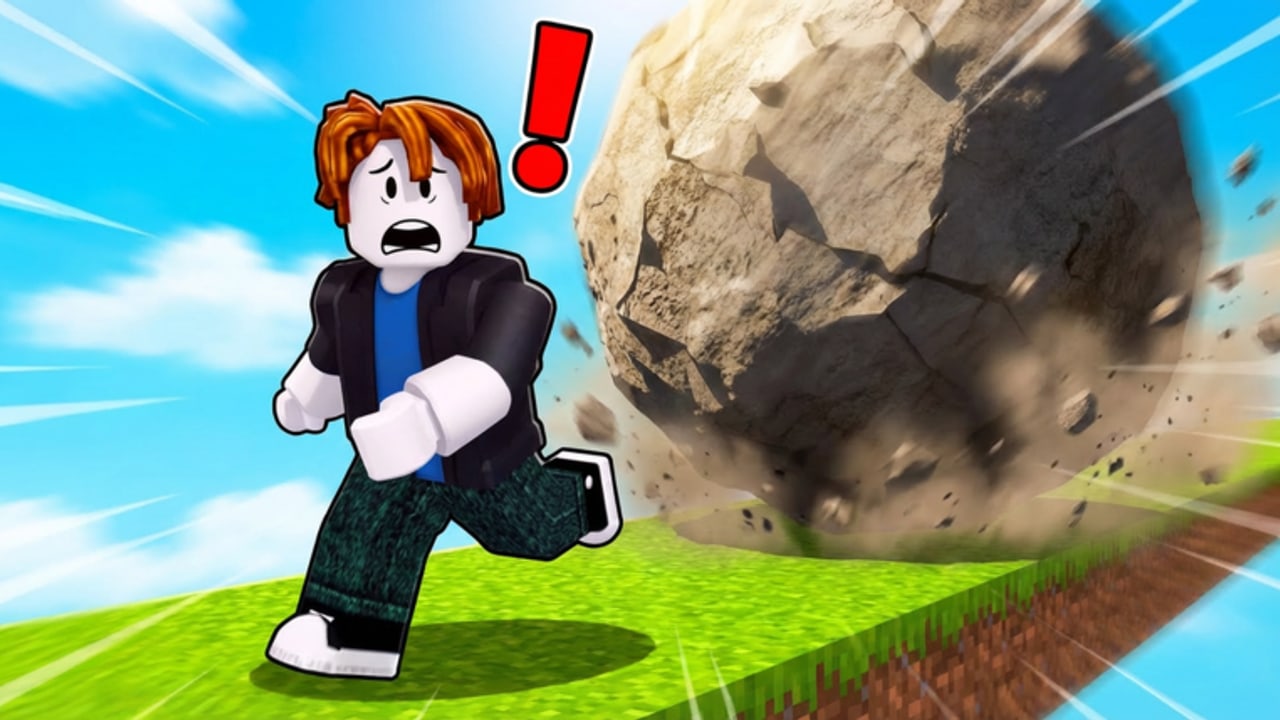
Redeeming a promo in Push the Rock is a HUD action, not a Roblox website action. You will not enter a code on the Creator Hub, in a browser inventory, or on a group store. You join Studio Stinky’s experience, wait for World 1 to load, and use the codes field that sits on the in-game interface. Gameplay recordings of place 139574563597312 show that field clearly. What they do not show is a public list of strings that currently work.
Read this page so the click path is muscle memory. Then check the codes hub before you type. As of September 2026 that hub is empty on purpose: no independently verified public list exists. The steps below still matter, because a real drop can appear on the Studio Stinky group without a wiki update in the same hour.
Confirm you are in the right place
Search results mix this title with Push A Rock, Push and Slide, and Push Rock for Brainrots. Those games also have redeem UIs. They do not share a database with Studio Stinky.
Before you touch the field:
- Open Roblox and go to the experience whose URL ends in
/games/139574563597312/Push-the-Rock. - Check the creator line: it must say Studio Stinky, group 36053012.
- Confirm the server size on the about tab is 18. Push and Slide uses a different cap.
- Spawn. You should see a hill, a boulder, and the partner board — not a prison yard, not a potion-only HUD, not a brainrot lobby.
If any of those checks fail, stop. You are about to type a code into the wrong simulator.
Step-by-step on World 1
- Press Play on the official listing and wait for the World 1 hill to stream in. The Welcome badge is automatic; you do not need it to open the codes UI.
- Let your avatar finish spawning. Do not start a long auto-push yet. A rolling boulder can crush you while you are staring at a text box.
- Scan the HUD for the codes control. In this experience it is a field on the main interface, not a nested ABX page copied from another boulder game. If your screenshot shows a three-line hamburger that opens a generic “Code / CLAIM” sheet, you are in the wrong title.
- Click or tap the field so the mobile keyboard or PC caret appears.
- Paste the string exactly as printed by Studio Stinky. Do not add spaces. Do not change case. Do not wrap it in quotes.
- Submit with the on-screen confirm control. Watch coins, a boost timer, or the partner board. If nothing changes, the code is invalid, expired, or already claimed on this account.
- Close the field and return to the boulder. Idle time is how rollback kills happen.
New players should pair this with the getting started loop so the first ten minutes still produce a partner or a speed boost even if the redeem fails.
PC, mobile, and console notes
Push the Rock runs on the usual Roblox clients. The codes field is the same widget; the input method is not.
- PC: Click the field, paste with the OS shortcut, confirm. Avoid typing from memory if the group shout used mixed case.
- Mobile: Tap once, paste from the clipboard, then tap outside the keyboard so you can see whether coins moved. A half-open keyboard covers the hill and hides a rolling rock.
- Console: If paste is awkward, type slowly. A single wrong character fails the claim. There is no known “close enough” matcher.
You do not need Robux. Public trackers list no gamepasses for universe 9745798212. Redeem is free. If a pop-up asks you to buy an executor, a Discord nitro pack, or a “code generator,” close it — that is not Studio Stinky’s UI.
What a success looks like
A working code should change something you can screenshot: the coin total, a temporary speed effect, or a newly lit portrait on the partner board. Mythical partners in this game unlock individually; a code will not dump the entire board, including the pop-culture portraits such as the Squid Game mask figure. Treat any claim that “this code unlocks all partners” as a lie.
World badges are not promo inventory. Welcome is a freebie. World 2 sits around a 36% win rate, World 3 around 6%, World 4 around 0.4%, and Worlds 5–6 are effectively unused. No verified code grants those badges. Climb with the worlds walkthrough instead.
Failures and how to debug them
Nothing happens. The string is wrong, expired, or already used. Check the codes hub and how to find new codes rather than hammering retry.
The field rejects the paste. Hidden whitespace from a chat copy is the usual culprit. Paste into a notes app, trim, copy again.
You get an error naming drinks, apples, or potions. Those reward types belong to Push A Rock and Push and Slide. Leave the server.
The boulder rolls over you. You opened the field mid-push. Auto-push still tires your avatar; when it lets go, the rock comes back down the same path. Stand to the side of the lane, or wait until a slide finishes, before you type.
Someone in chat posts a loadstring. That is not a code. Do not run it. See the scripts hub if you need the warning in writing.
After a successful claim
Spend the extra coins on the next individual partner or a speed boost, not on a panic repurchase of something you already own. The partner unlock guide and the coin farming loop explain the real sinks. Then push again. Codes are a spike; the hill is the game.
If you like the experience, favorite it and join the group so the next official shout is visible. This wiki is unofficial. We will only add a row to the codes hub when we can test the string in place 139574563597312 ourselves.
Frequently Asked Questions
Quick answers for hill climbs, partners, and world badges.
Is the redeem box on the Roblox website?
No. Open the experience, spawn on World 1, and use the in-game HUD codes field. Website inventories do not accept these strings.
Do I need to finish World 1 first?
No. The Welcome badge is automatic and the codes UI is available after spawn. Still watch the boulder so a rollback does not crush you while typing.
Why did a code from a blog fail?
Most public lists are for Push A Rock or Push and Slide. Confirm the place ID is 139574563597312, then check the codes hub before retrying.
Are codes case sensitive?
Treat them as case sensitive. Paste exactly what Studio Stinky printed. Extra spaces and wrong caps are the usual failed claims.
Can a code unlock every mythical partner?
Nothing verified does. Partners unlock one portrait at a time on the board. Use coins and the partner guide.
Does redeeming require a gamepass?
No. This universe has no known gamepasses. If a prompt asks you to pay for a code pack, it is not the official HUD.